
Customer Service and Support
How to launch the remote support program?
Step 1
Download the program
Choose HopToDesk or AnyDesk and click the download button to get the installer for your computer.
Step 2
Install the application
Run the downloaded installation file and follow the instructions. AnyDesk can also run without installation.
Step 3
Launch the program
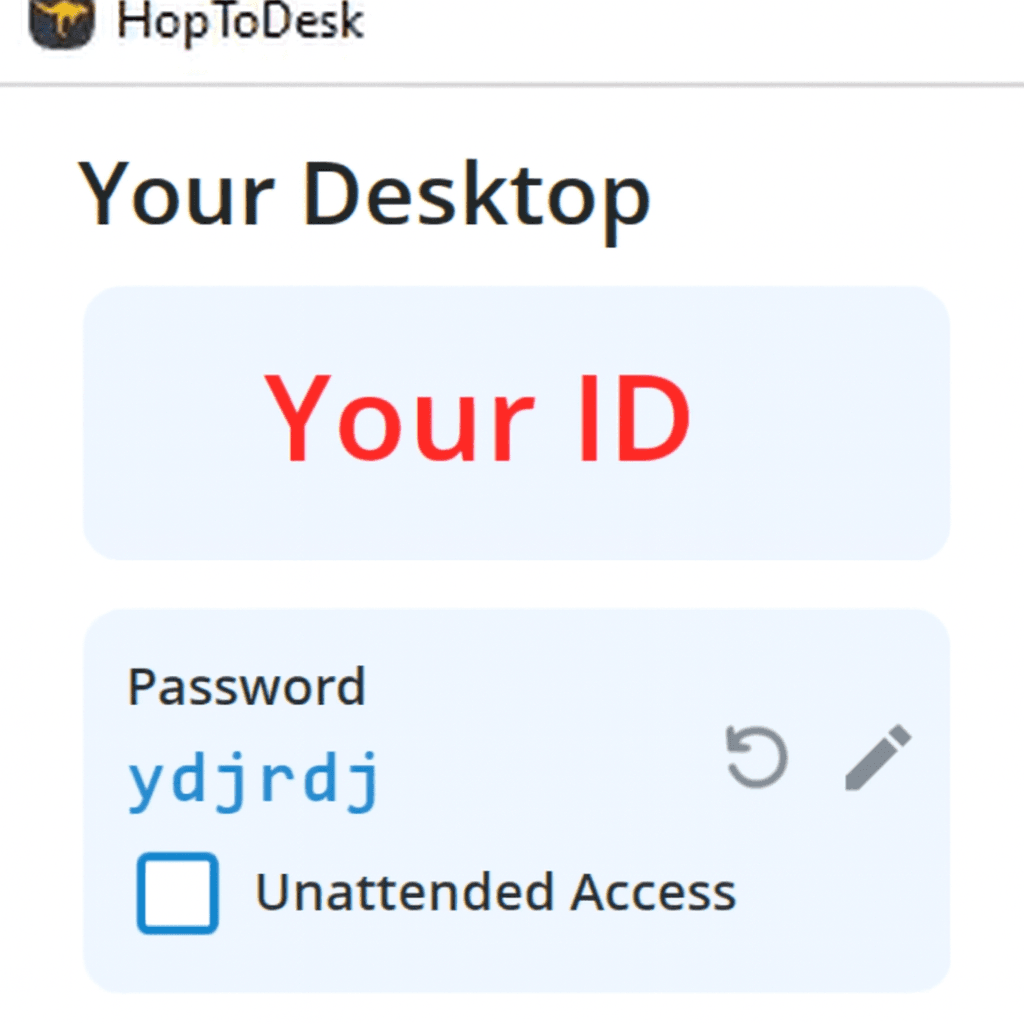
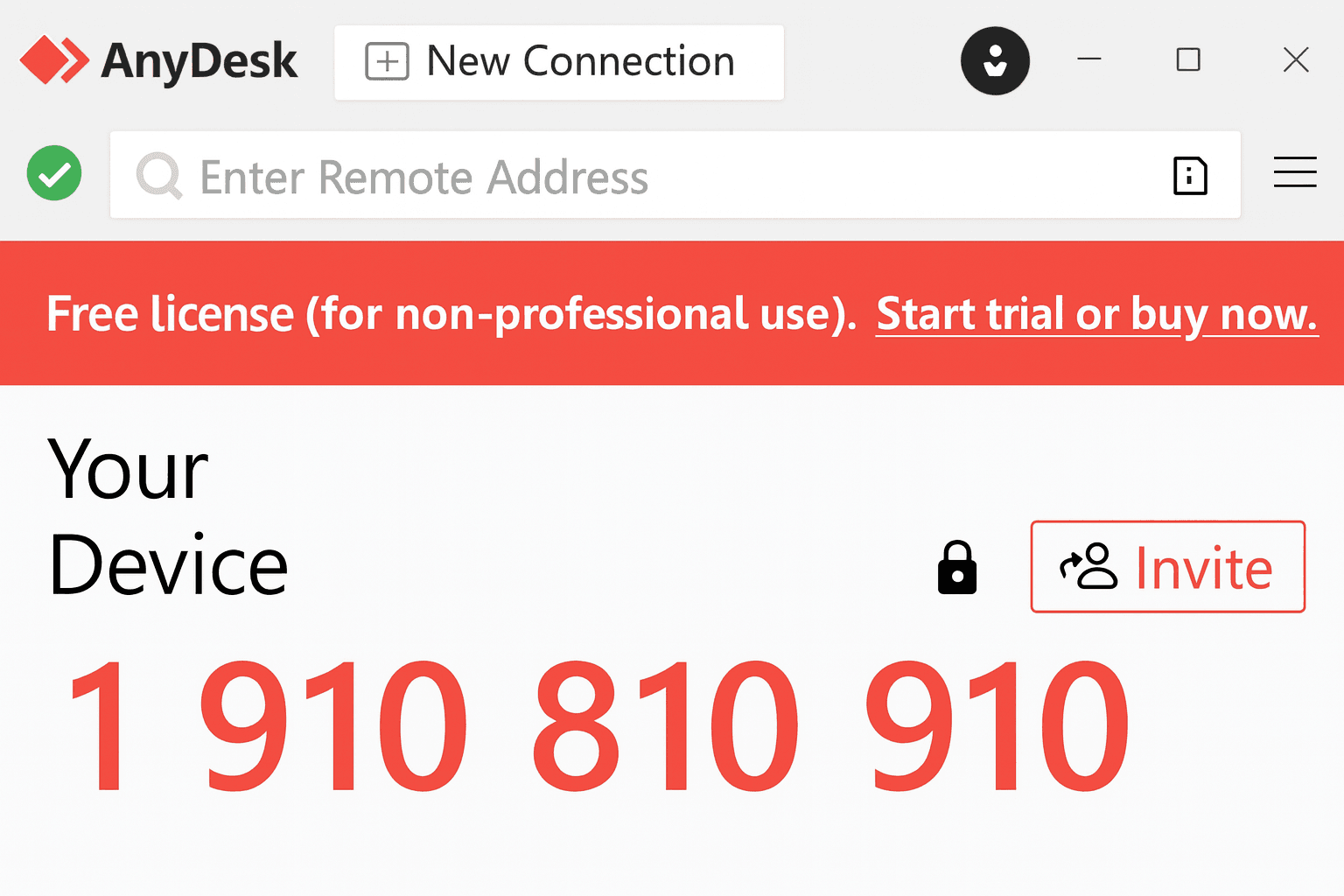
After launching, you’ll see your unique ID or address in the main application window.
Sample program views:
Step 4
Share your details with our consultant
Provide the displayed ID/address and password to our consultant by phone or email.
Need help?
Phone
(17) 856 39 99
serwis@topsa.com.pl